# Export for Video Editing software
### Export for Video Editing software like Adobe Premiere, LightWorks, Final Cut Pro, etc.
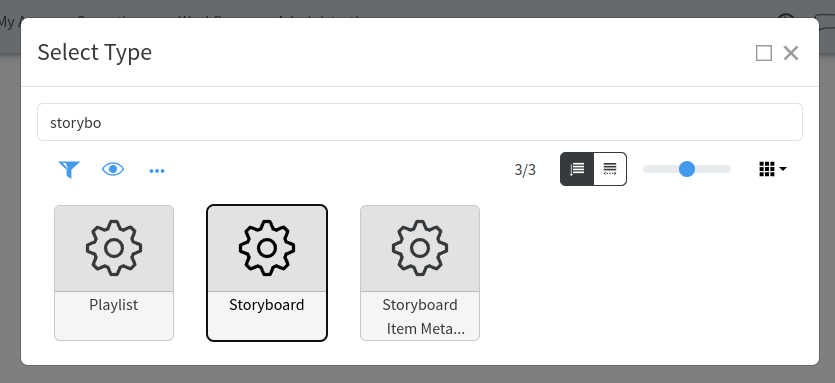
Create a Storyboard by following the steps:
Create new → Other → Storyboard
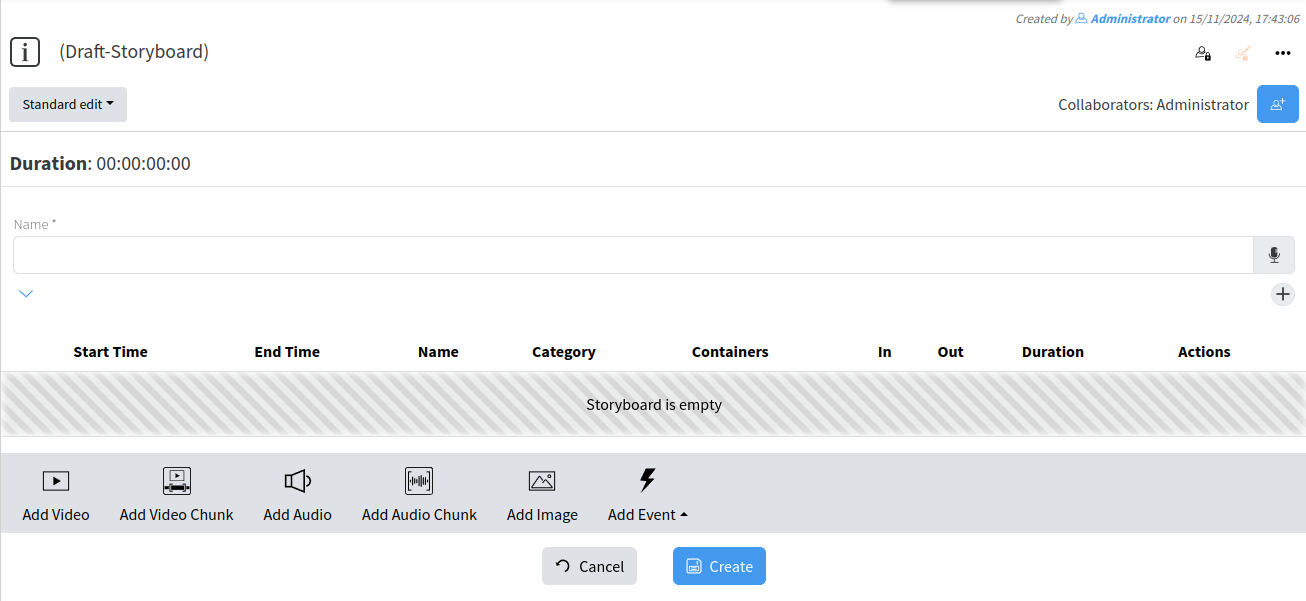
Define attributes for the storyboard
[](https://docs.profuzdigital.com/uploads/images/gallery/2024-11/dS6image.png)
[](https://docs.profuzdigital.com/uploads/images/gallery/2024-11/tRlimage.png)
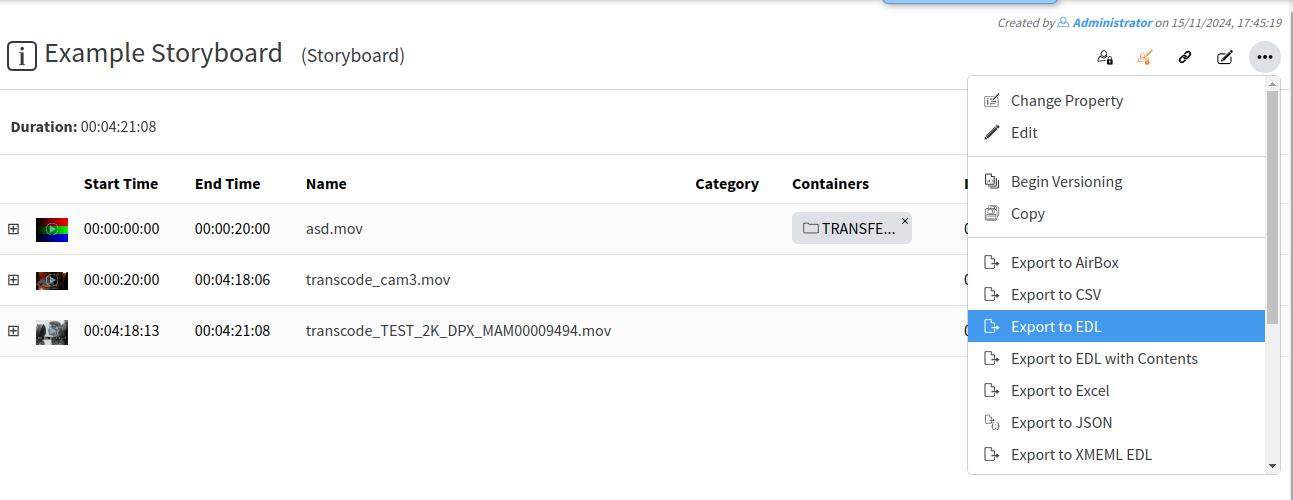
Add media assets into storyboard then from the object's menu select **Export to EDL** or **Export to XMEDL EDL**, or
**Export to EDL with Contents** or **Export to XMEDL EDL with Contents**. Second choices will download automatically stored content at the storyboard to the local PC where EDL is saved. Simply, second choice will download EDL file with its corresponding media content.
[](https://docs.profuzdigital.com/uploads/images/gallery/2024-11/b4eimage.png)
Open Adobe Premiere or other NLE software and load the EDL or the XML file.