# Downloading
If you want to download a file or an asset with all its contents you can use the Download operation from the local menu of the file/asset as shown here:
[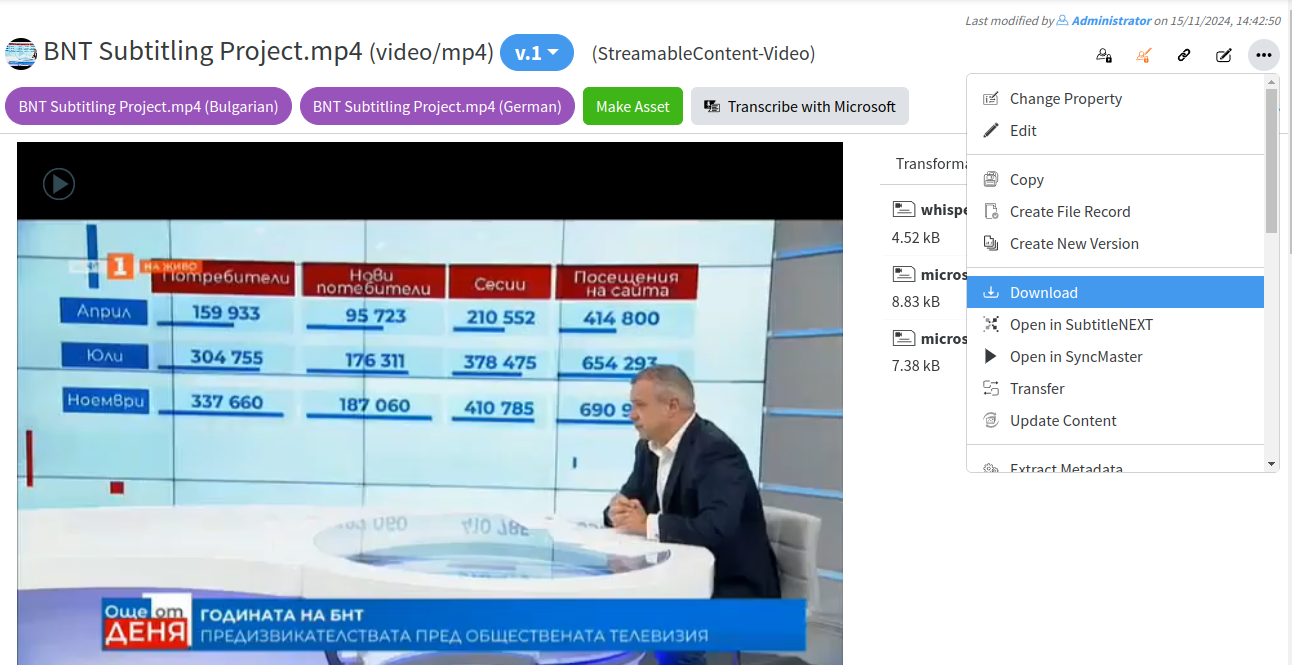](https://docs.profuzdigital.com/uploads/images/gallery/2024-11/1Gzimage.png)
If you want to download multiple files or assets with their contents, you can do that by:
1. Selecting multiple files/assets by clicking the check box in front of them
2. Going to Selection Actions →Download
[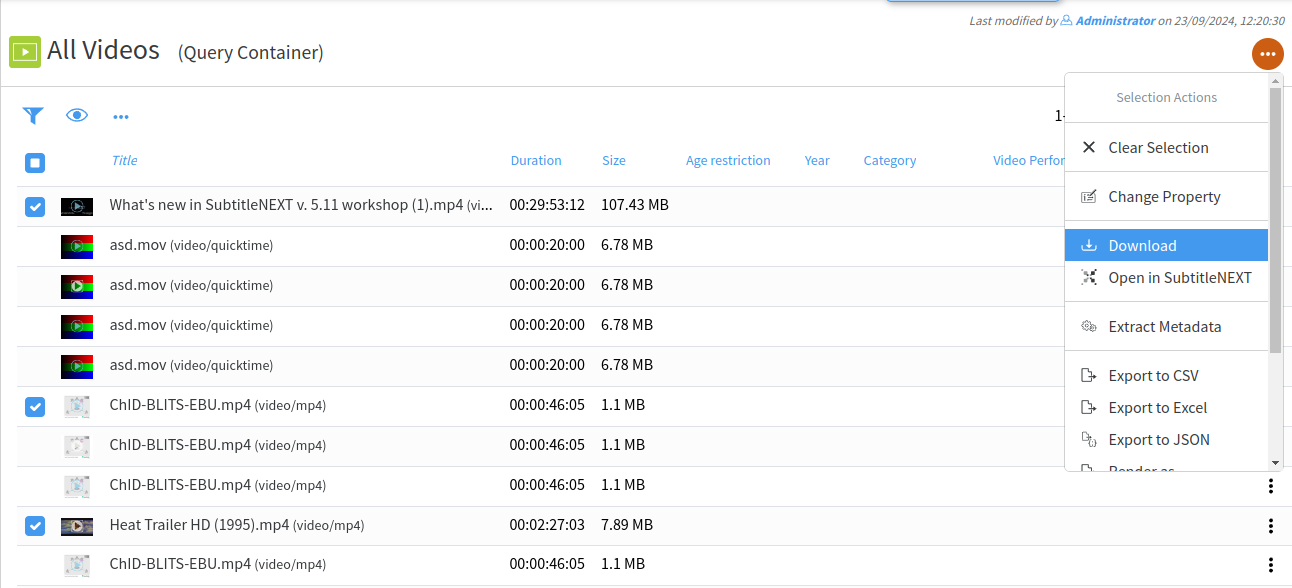](https://docs.profuzdigital.com/uploads/images/gallery/2024-11/YHYimage.png)