# Creating User
Like every Server-clients oriented software Profuz LAPIS allows to manage users with different level of privileges. Adding new user can be done from main Create New drop-down menu. Same is valid for adding new Groups. Each user can be defined to be member of different groups e.g.
- Subtitling QC
- Subtitling Editing
- Subtitling Approval
Accessing permission rights for each task, subtask or other data can be managed by entering inside the location. Go to Action → Edit → Permissions. Click to edit per specific permission request.
## Creating User
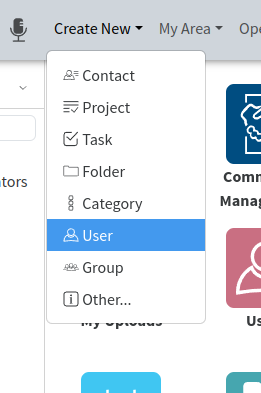
To create an User go to **Create New** - **User**
[](https://docs.profuzdigital.com/uploads/images/gallery/2024-11/VlLimage.png)
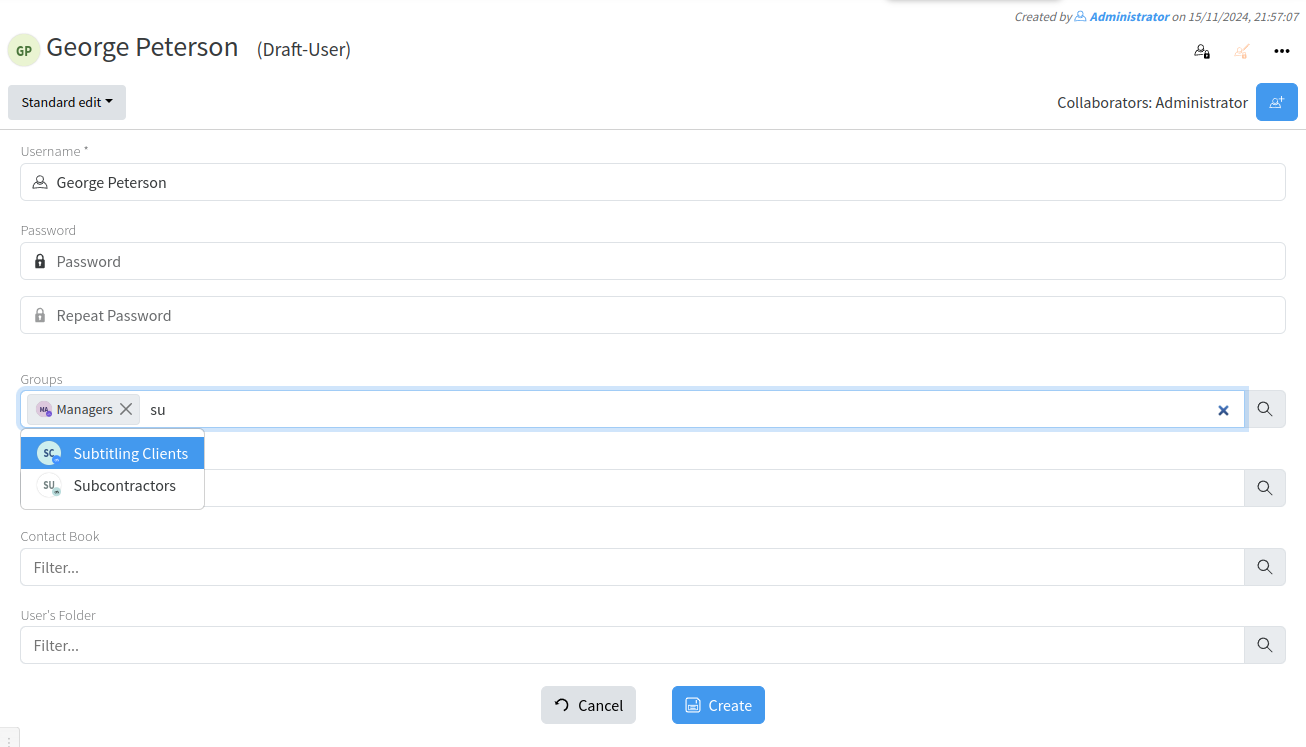
The new window appear where the details about User have to be defined.
Only Username is mandatory.
[](https://docs.profuzdigital.com/uploads/images/gallery/2024-11/lrDimage.png)
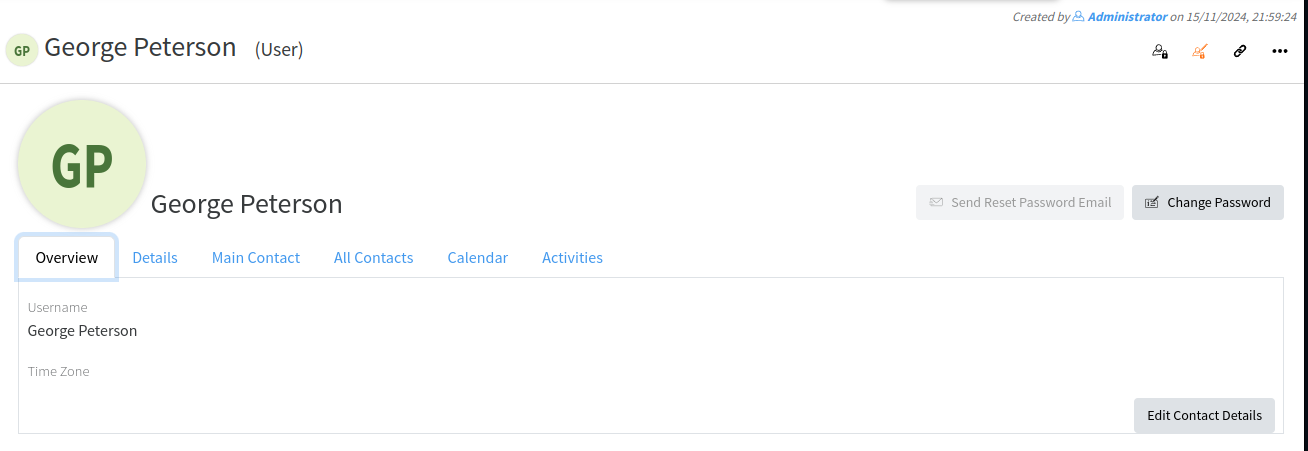
By pressing Create, the User is created.
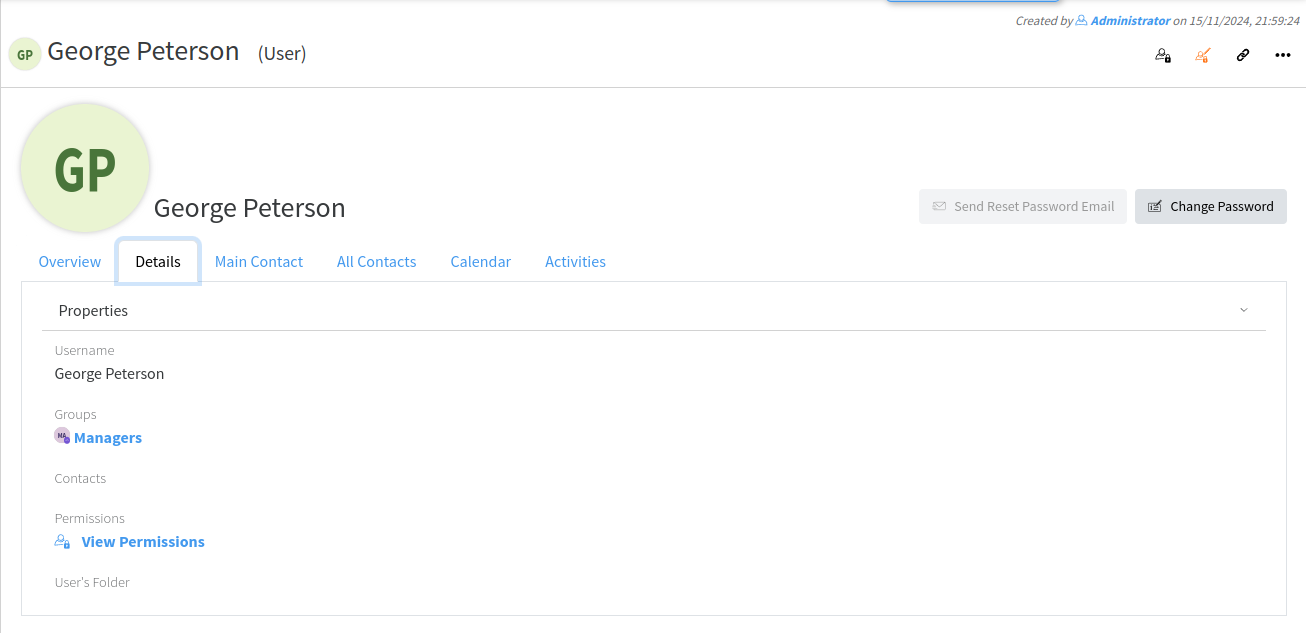
More details can be added
[](https://docs.profuzdigital.com/uploads/images/gallery/2024-11/HZLimage.png)
[](https://docs.profuzdigital.com/uploads/images/gallery/2024-11/9Y2image.png)
To connect an Existing contact to the User:
- By quick editing
[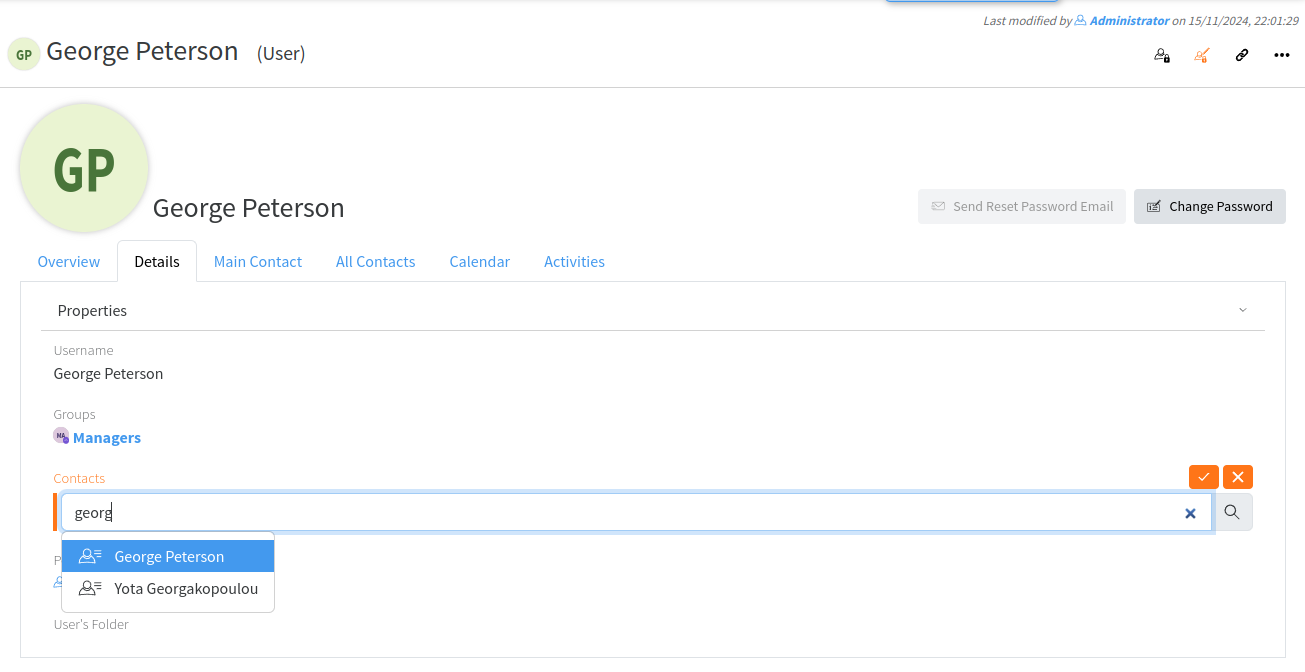](https://docs.profuzdigital.com/uploads/images/gallery/2024-11/CAAimage.png)
- By Actions - Edit
[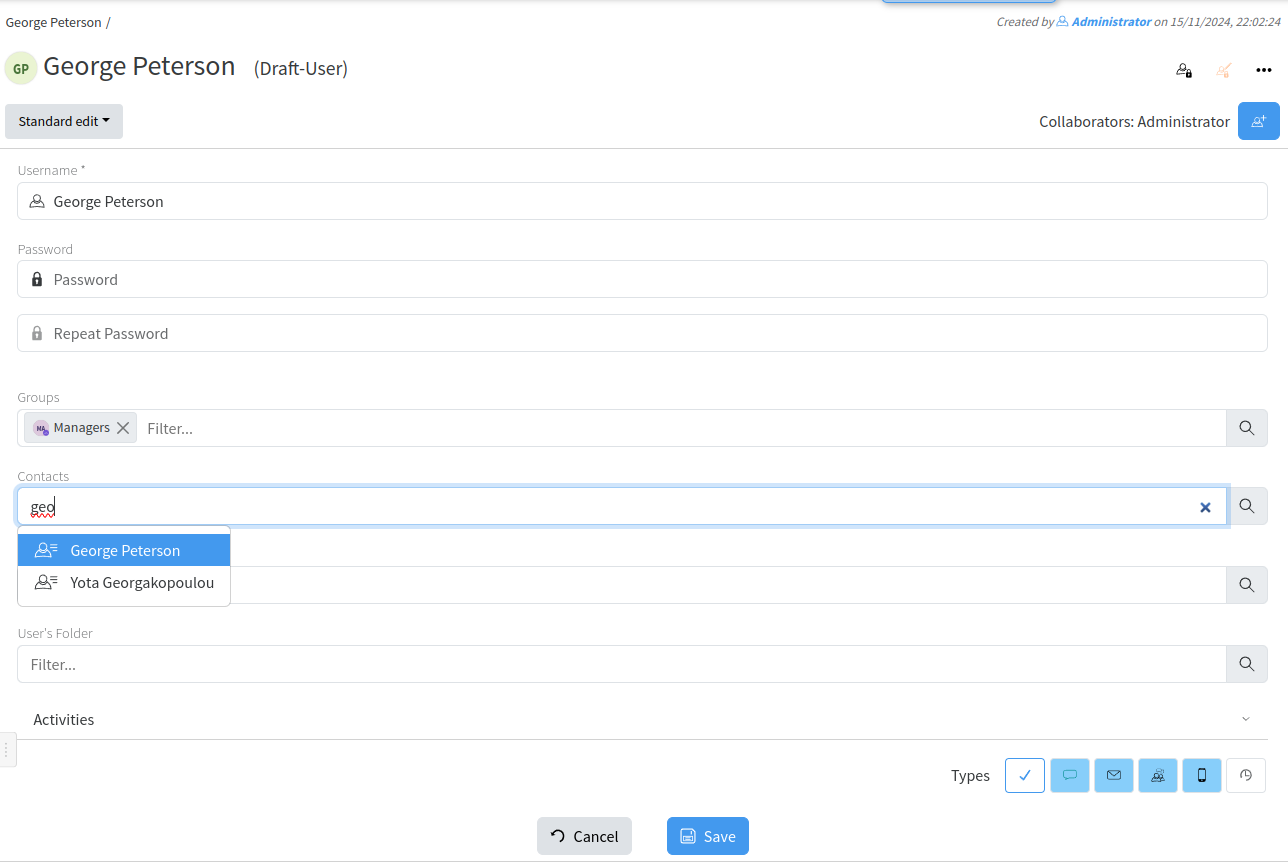](https://docs.profuzdigital.com/uploads/images/gallery/2024-11/c7timage.png)
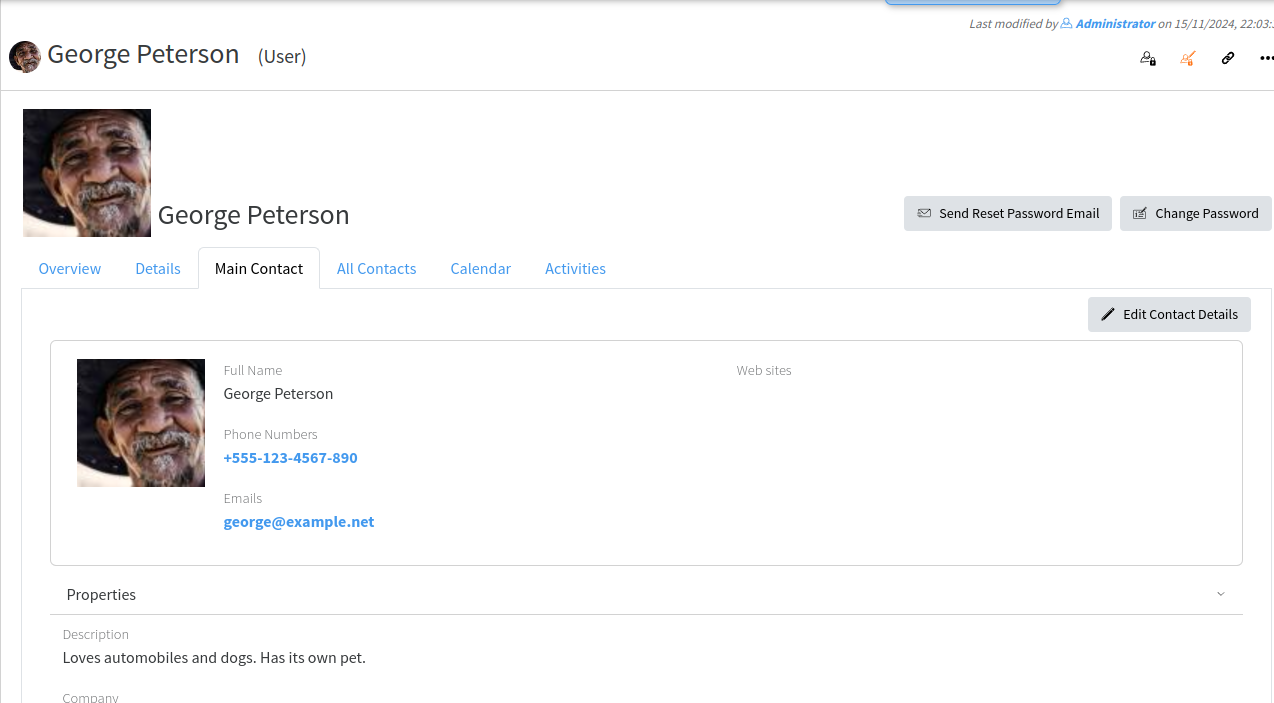
The details of the contact now appear in the Main Contact tab
[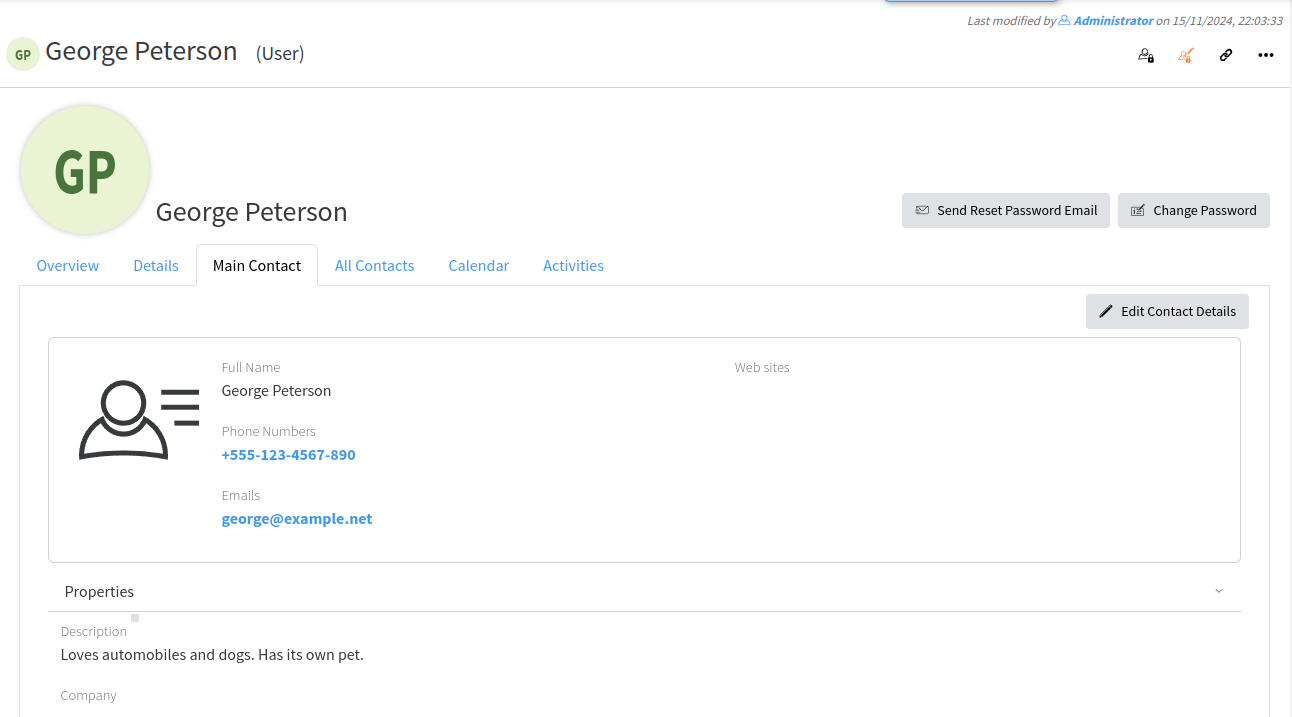](https://docs.profuzdigital.com/uploads/images/gallery/2024-11/CZ1image.png)
When contact is attached it may have also an image of the user
[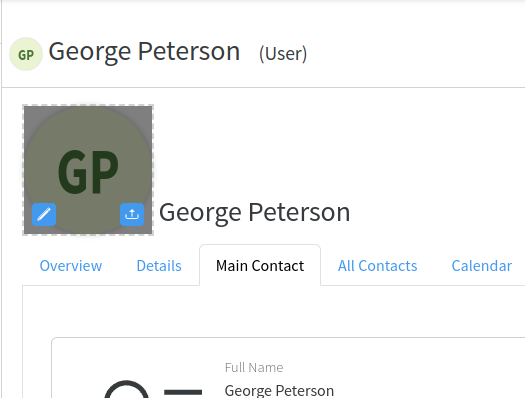](https://docs.profuzdigital.com/uploads/images/gallery/2024-11/glnimage.png)
[](https://docs.profuzdigital.com/uploads/images/gallery/2024-11/dJZimage.png)