# Create Asset
If you want to have a media asset containing multiple contents associated with it such as additional audios, subtitles, texts, multiple video resolutions or other media transformations, you have to create a video asset and add contents to it. You can do that by:
- Click “Make Asset” button on top of your media to create an asset as shown here:
[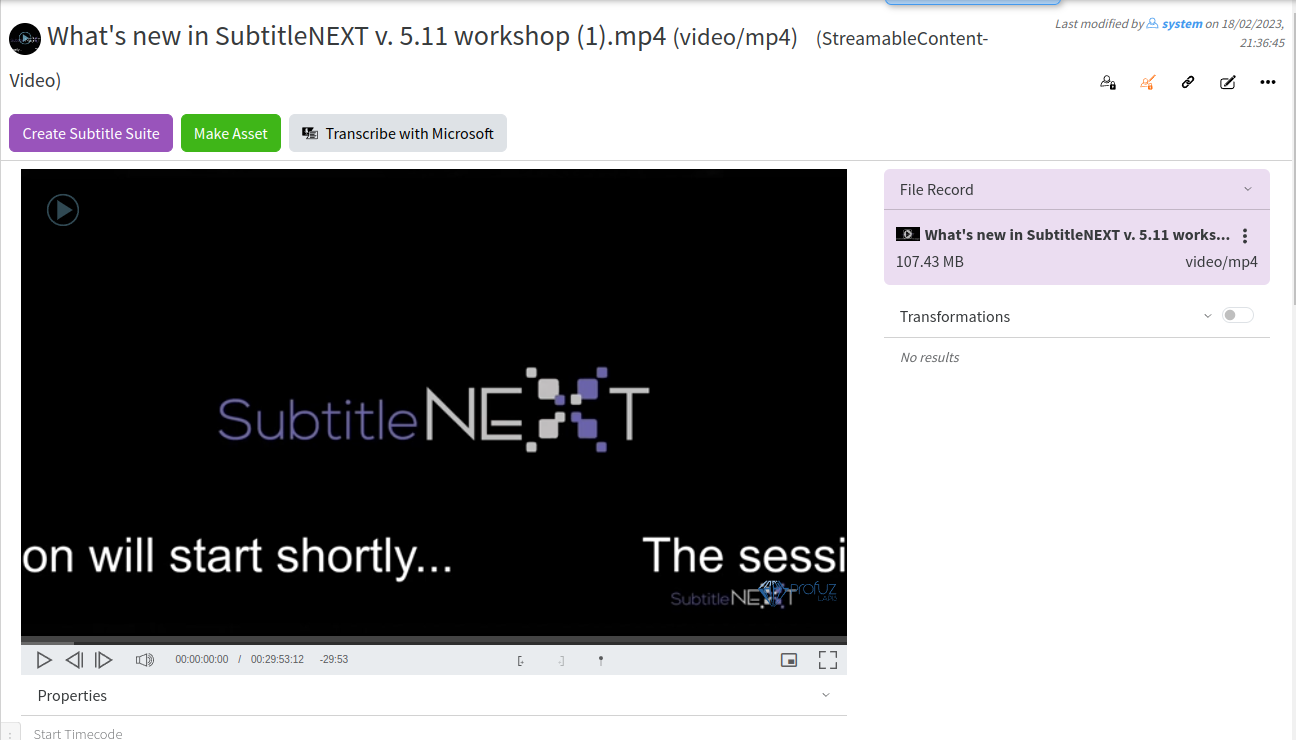](https://docs.profuzdigital.com/uploads/images/gallery/2024-11/vaEimage.png)
- Use the “Add Content” Action as shown here:
[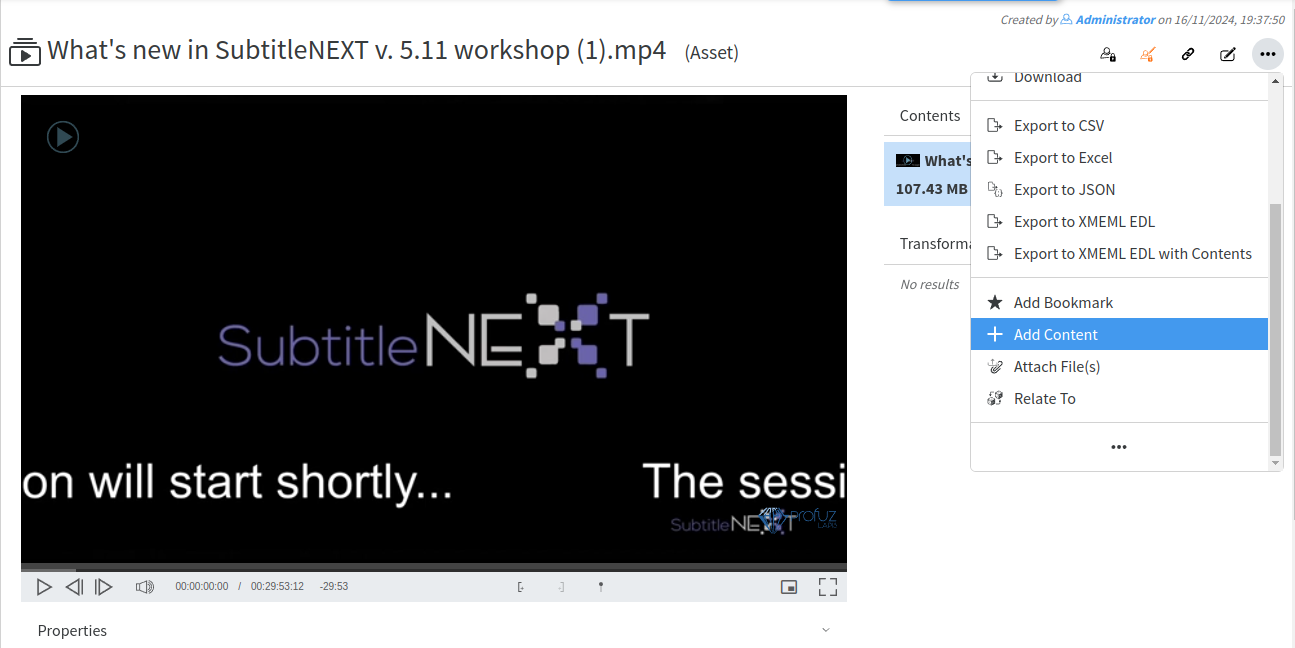](https://docs.profuzdigital.com/uploads/images/gallery/2024-11/Zv8image.png)
You can associate as many contents as you wish and Update the created contents if needed.